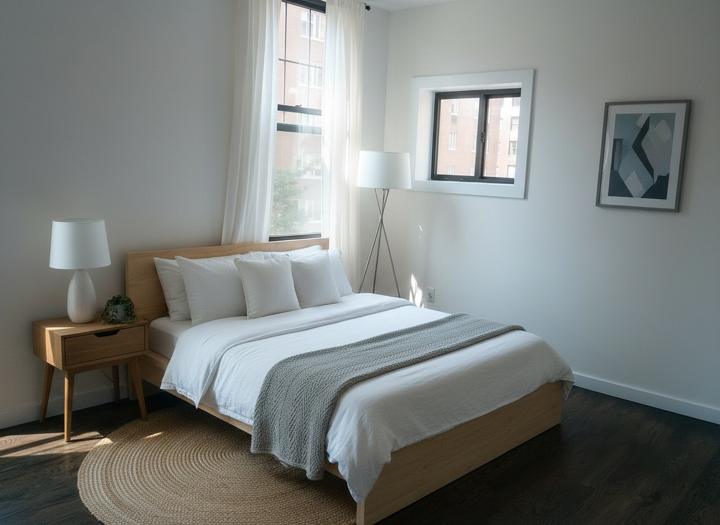
Every pair on this page is unedited output: the original photo on the left and the staged frame on the right. Look at the windows, doors, radiators and ceiling lines. They match, because the tool only adds furniture.
Living rooms
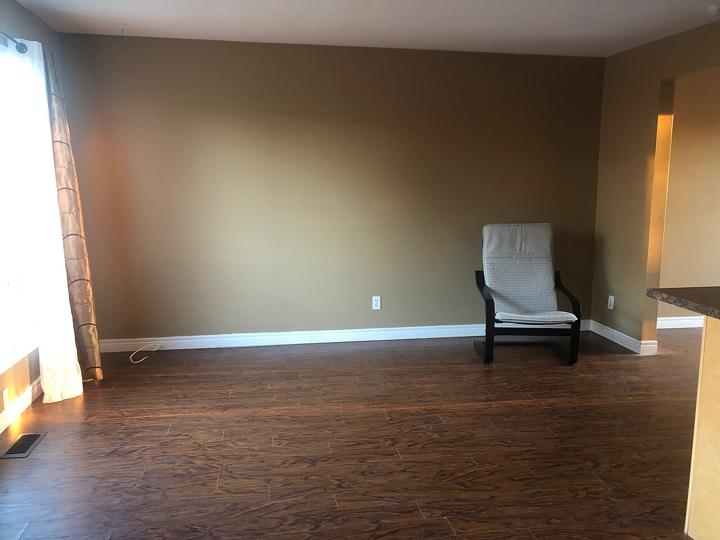
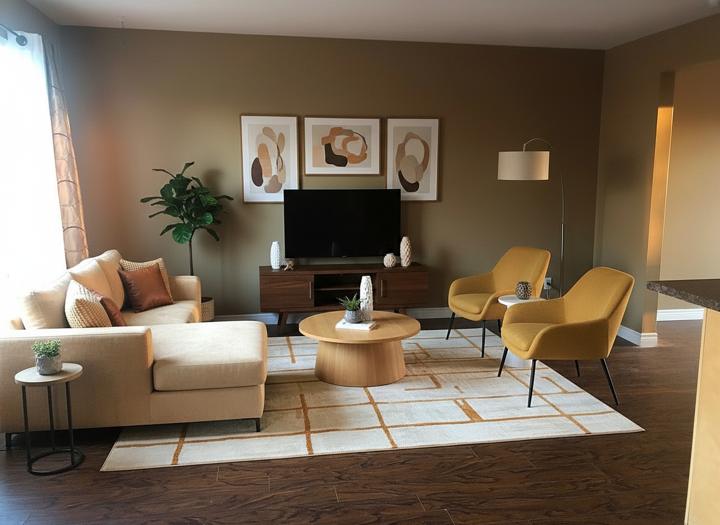
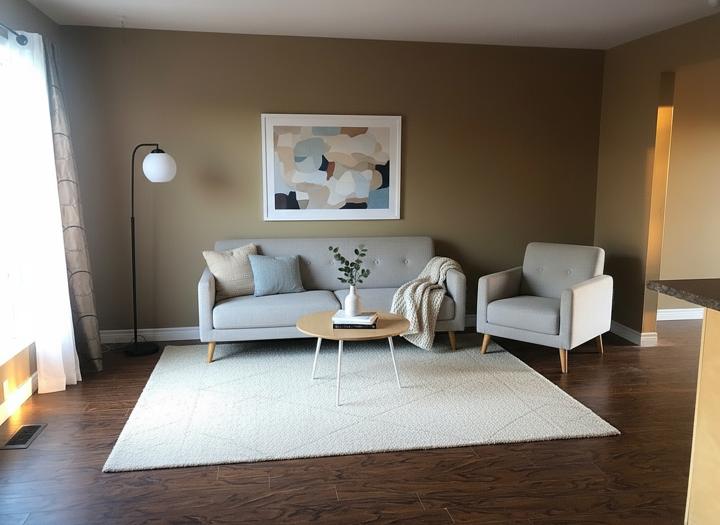
Bedrooms
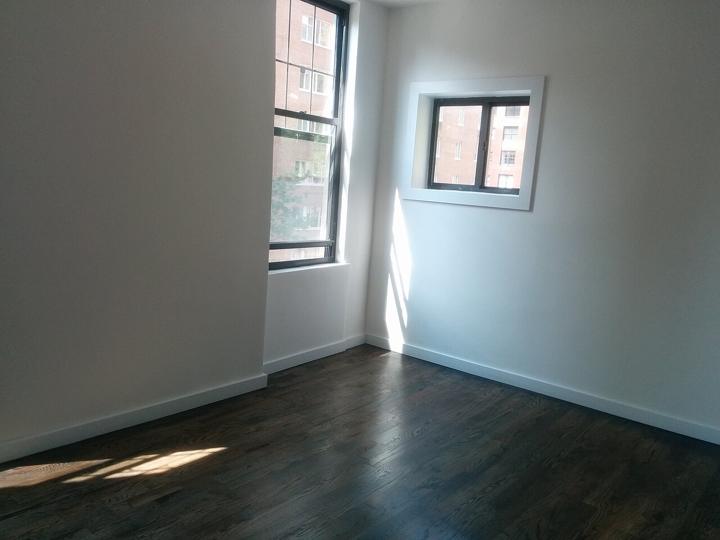
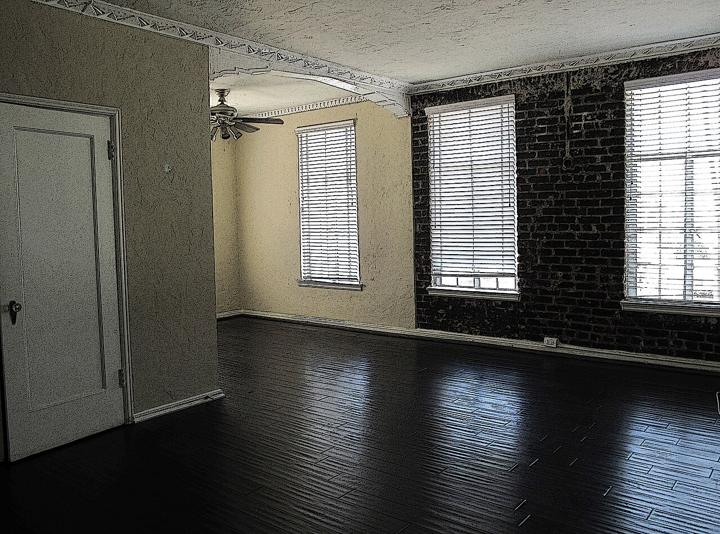
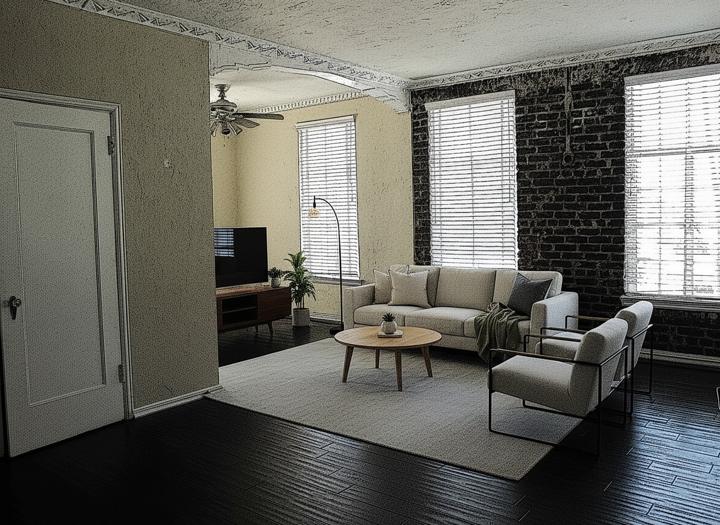
Dining rooms and kitchens
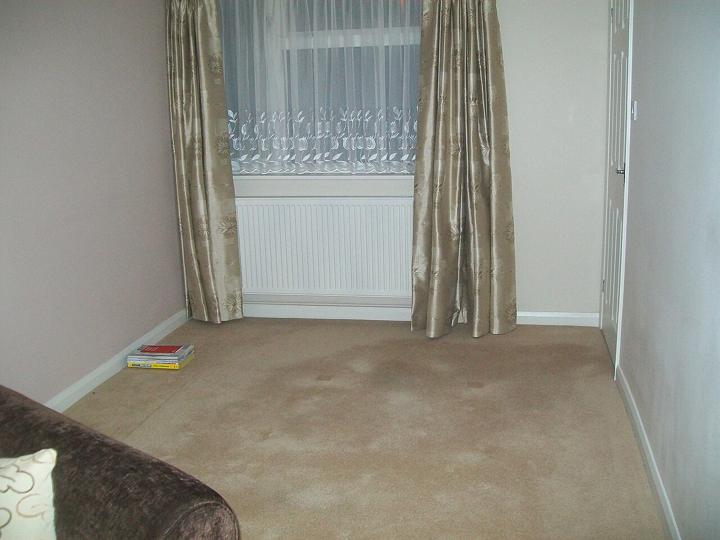
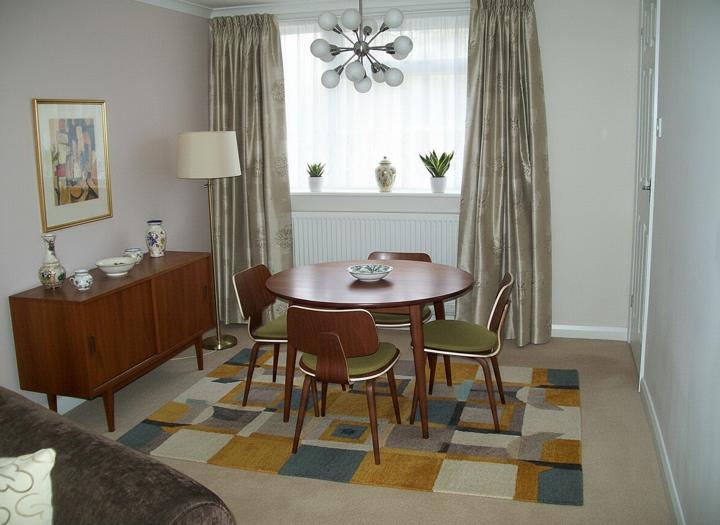
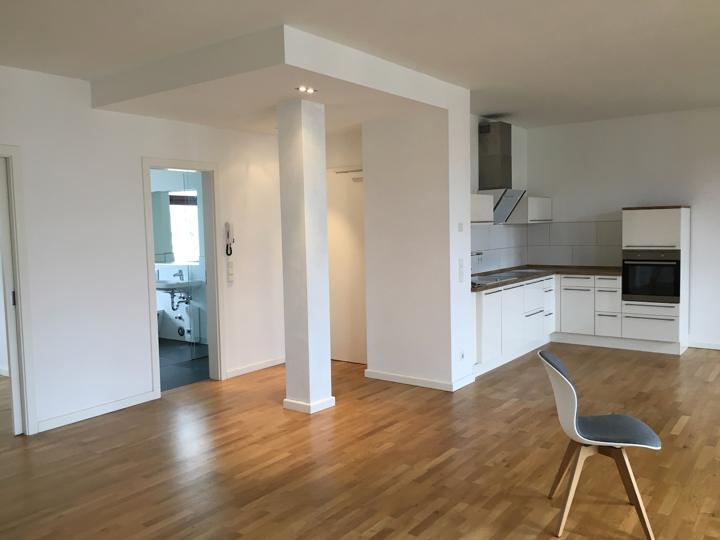
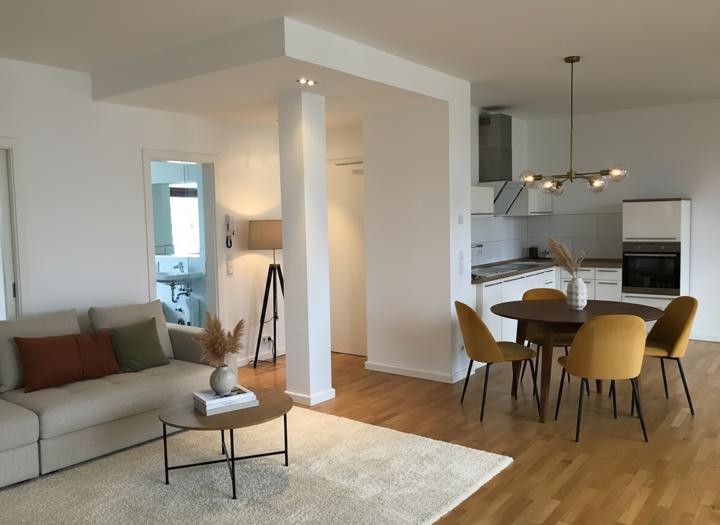
Home offices and outdoor spaces
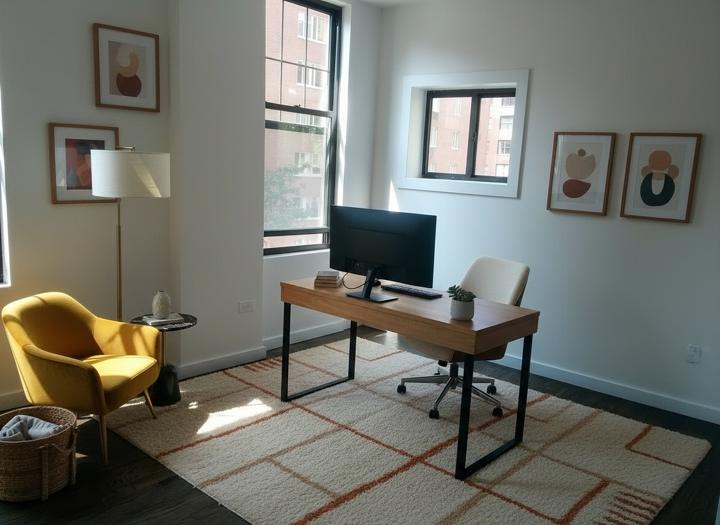
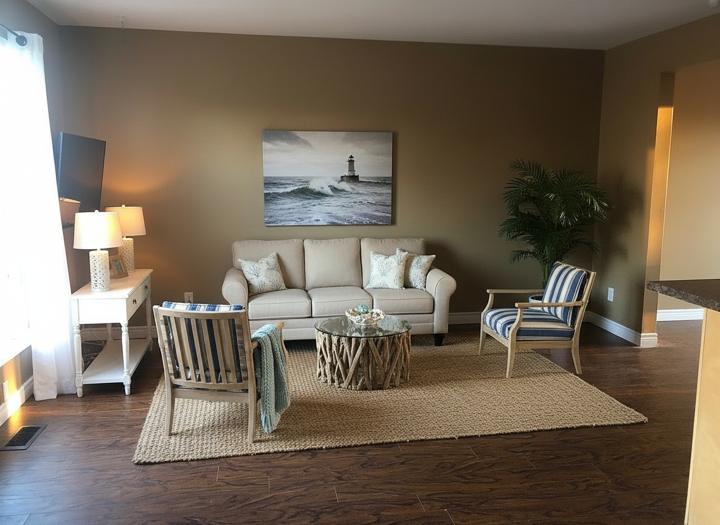
How to read a before/after
Check three things in any staging example, ours or anyone's:
1. Openings. Do the windows and doors sit in the same place?
2. Floor. Is the original floor finish unchanged?
3. Scale. Does the furniture fit the room, or is it shrunk to fit?
Use these in your own marketing
Each credit you spend includes a before/after comparison file. Agents use them in listing presentations and on social.
Pricing
One credit = one staged image of about 1,200 px on the long side, delivered as JPEG or WebP. The download includes an MLS version labelled "Virtually staged", a before/after comparison and an unlabelled file.
- Starter: $15 for 5 images ($3.00 each)
- Listing: $39 for 15 images ($2.60 each)
- Agency: $99 for 50 images ($1.98 each)
Each pack is a one-time payment. Credits never expire, and a failed generation never spends one. → See pricing
FAQ
Are these examples retouched?
No. They are delivered output, unedited.
Do I get a before/after file with my images?
Yes. Each delivered image includes the before/after comparison, the MLS-labelled version and the unlabelled file.
Can I post my before/after on Instagram?
Yes. Keep the "Virtually staged" disclosure in the caption.
Why does the furniture look different in each example?
Each example uses a different style. There are six to choose from.
Can you remove the furniture in an occupied home for a before/after?
No. The tool furnishes empty rooms. It doesn't remove existing furniture.
More: Staging examples by style · Pricing
More staging guides
Cost per room · Dining room staging · Staging examples · For realtors · For rentals · For vacant homes
Packs and plans are on the virtual staging pricing page.