Virtual staging is accepted across US MLSs. Misrepresentation isn't. The rules vary by MLS, but they converge on three points.
The three rules nearly every MLS shares
1. Disclose it. Label the photo "Virtually staged" and/or note it in the remarks or photo caption.
2. Don't alter the property. No moved windows, removed power lines, fake views, or covered-up damage. Furniture is fine; changing the structure isn't.
3. Keep the original. Many MLSs want the unstaged photo in the listing too, or available on request.
Check your own MLS's photo policy and the NAR Code of Ethics Article 12 ("true picture") before publishing.
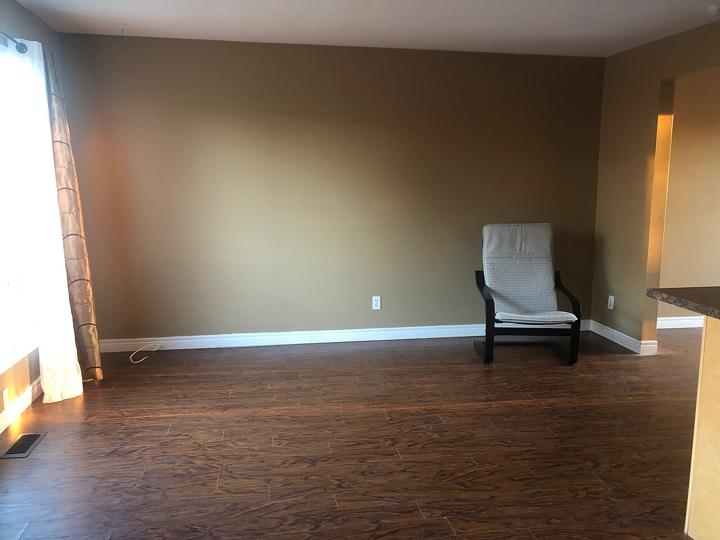
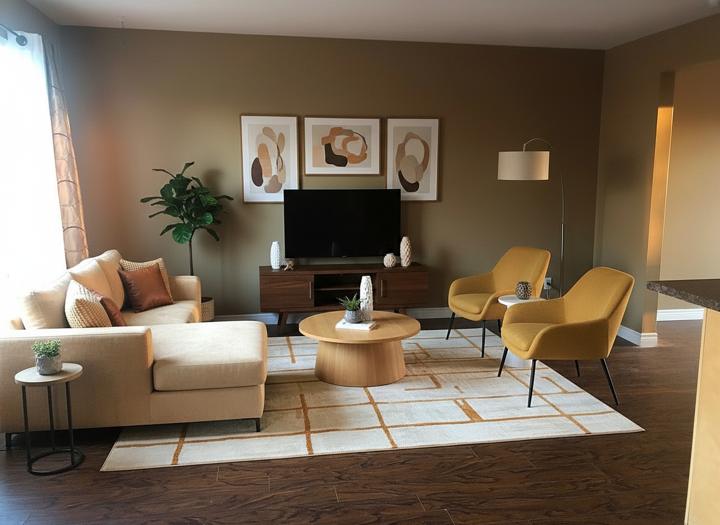
California: the disclosure law since 1 January 2026
California made the MLS norm a statute. Business and Professions Code section 10140.8, added by AB 723 (Stats. 2025, Ch. 497), took effect on 1 January 2026. It applies to a real estate broker or salesperson, or anyone acting on their behalf, who uses a digitally altered image to advertise property for sale.
- What counts: an image altered with photo editing software or AI to add, remove or change elements, expressly including furniture, fixtures, appliances, flooring, walls, paint colour, landscaping and views through windows. Virtual staging is covered.
- What does not: lighting, sharpening, white balance, colour correction, angle, straightening, cropping and exposure adjustments that do not change how the property is represented.
- The statement: a reasonably conspicuous statement on or next to the image saying it has been altered, with a link, URL or QR code to a publicly accessible page that includes and clearly identifies the original, unaltered image.
- Your own website: where you control the site, post the unaltered original with the staged image, or link to it with the same wording.
Sample wording for California: "Virtually staged image. Furniture has been digitally added. View the original, unaltered photo at [link]." Every Virtual Stage Now download includes the labelled MLS version and the unstaged original, so you have both files the statute asks for.
How Virtual Stage Now handles each rule
- Disclosure: every image ships with a labelled MLS version.
- No altered property: walls, windows, doors, floors and camera angle stay as photographed. The tool only adds furniture.
- Original kept: the before/after comparison is part of the download, so you can post both or hand both to a buyer's agent.
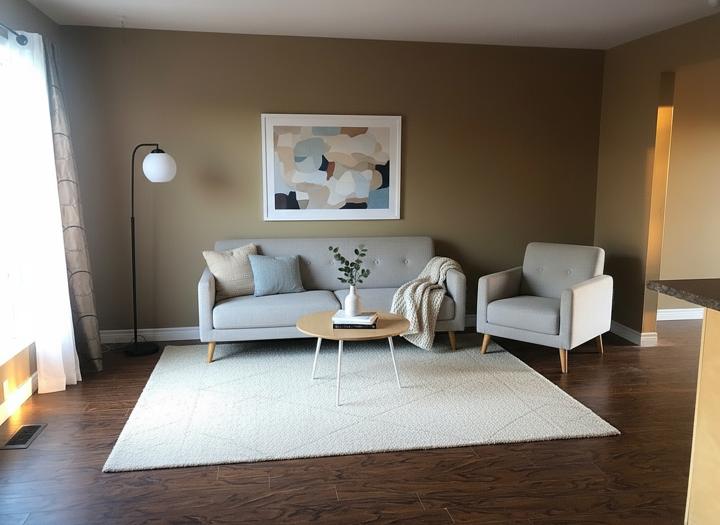
Sample disclosure wording for remarks
> "Photos of the living room, primary bedroom and dining room have been virtually staged. Furniture is not included in the sale."
Pricing
One credit = one staged image of about 1,200 px on the long side, delivered as JPEG or WebP. The download includes an MLS version labelled "Virtually staged", a before/after comparison and an unlabelled file.
- Starter: $15 for 5 images ($3.00 each)
- Listing: $39 for 15 images ($2.60 each)
- Agency: $99 for 50 images ($1.98 each)
Each pack is a one-time payment. Credits never expire, and a failed generation never spends one. → See pricing
FAQ
Is virtual staging legal on the MLS?
Yes, with disclosure, and as long as the property itself is shown as it really is.
Where does the disclosure go?
On the image (our labelled version does this) and in remarks or captions, following your MLS's policy.
Do I have to post the unstaged photo too?
Some MLSs require it. Pairing them is good practice either way, and the before/after download makes it simple.
Can I remove a defect with virtual staging?
No. Hiding defects is misrepresentation. Our tool only adds furniture.
Does Zillow accept virtually staged photos?
Yes, via your MLS feed. The same disclosure applies.
More: Before and after examples · Staging examples by style · Pricing
More staging guides
Cost per photo · How to virtually stage a listing · How to brief a stager · How to virtually stage a room · Staging on a budget · Is it worth it
Packs and plans are on the virtual staging pricing page.